Wondershare PDFelement Pro
Easily Edit PDF Like Word Never Before
The all-in-one PDF editor with tools to edit, convert, annotate, fill forms and sign PDF files, even scan document files to PDF, make PDF editable and searchable.

PDFelement Pro Helps You Edit PDF Like Word
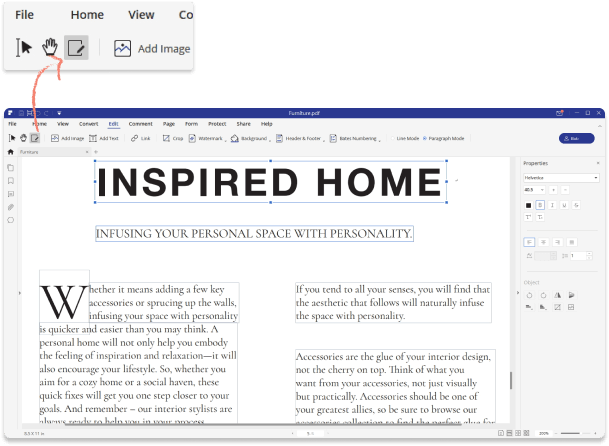
How to Edit PDF Text
- Step 1: Open a PDF file in PDFelement.
- Step 2: Click the "Edit" button to add/edit/remove text easily.
- Step 3: Click the "File>Save" button to save the PDF file.
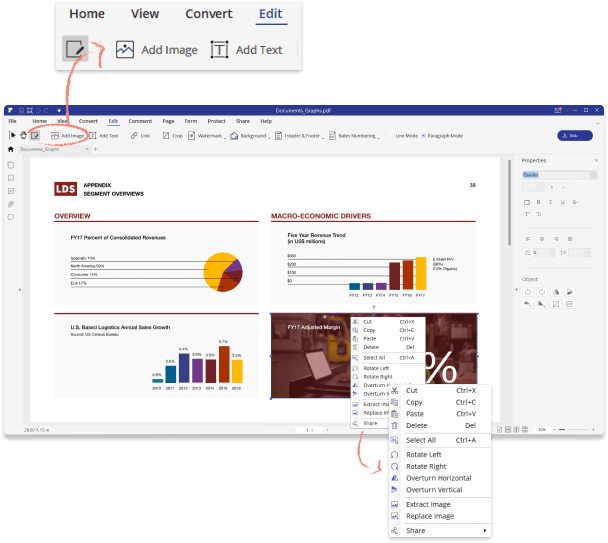
How to Edit PDF Image
- Step 1: Open a PDF file in PDFelement.
- Step 2: Click the "Edit" button to move or delete images in PDF.
- Step 3: Click the "Insert Picture" button to add images.
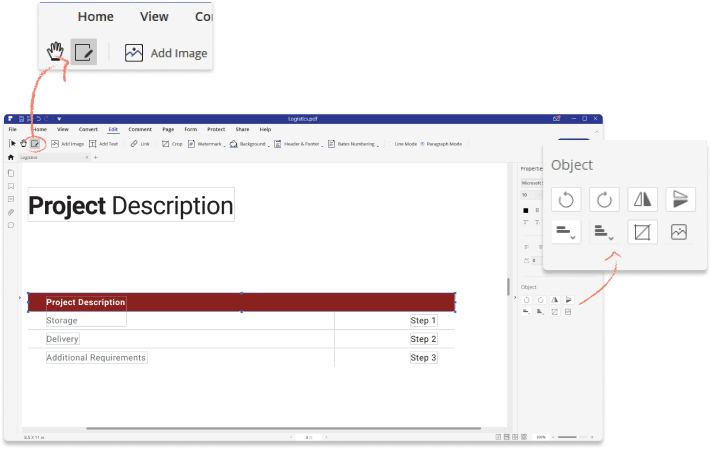
How to Move and Align Objects
- Step 1: Open a PDF file in PDFelement.
- Step 2: Click the "Edit" button to select the object to move/clip/overturn.
- Step 3: Select multiple objects to align/distribute.
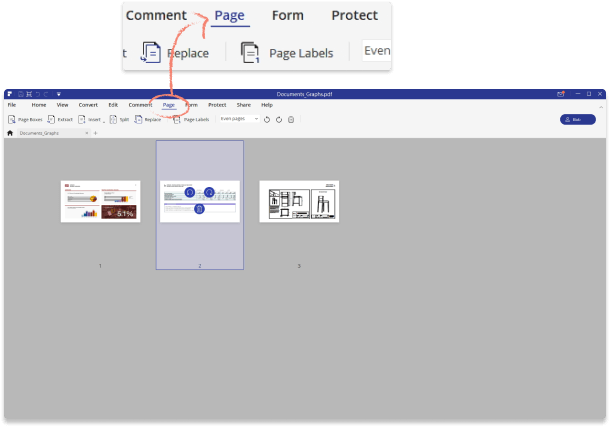
How to Edit PDF Pages
- Step 1: Open a PDF file in PDFelement.
- Step 2: Click the "Page" tab to extract/insert/split/replace/rotate/delete pages.
- Step 3: You can also set Page Boxes and add Page Labels.
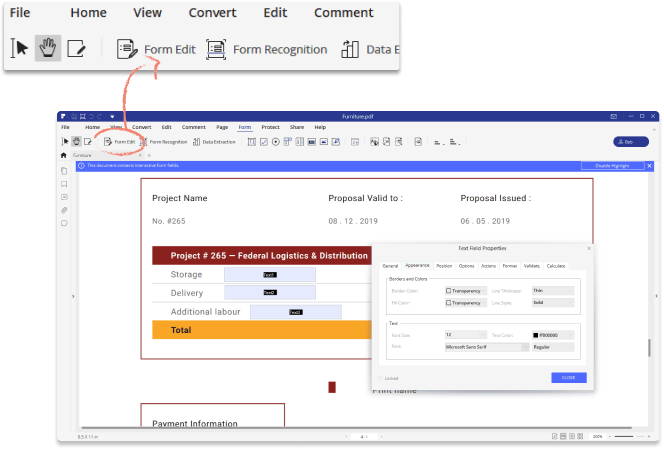
How to Edit PDF Forms
- Step 1: Open a PDF file in PDFelement.
- Step 2: Click the "Form">"Form Edit" button to edit the forms, or add new you can change its properties.
- Step 3: Right-click the form fields to edit its properties.
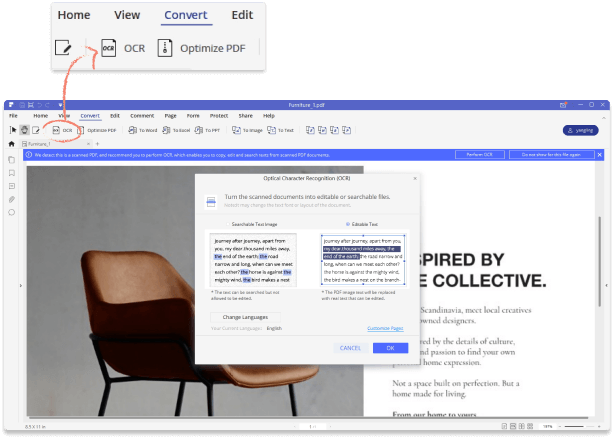
How to Edit Scanned PDF
- Step 1: Open a scanned PDF file in PDFelement.
- Step 2: Click the "Convert">"OCR" button to perform OCR to make it to be editable and searchable.
- Step 3: Click the "Edit" button to edit the file content.
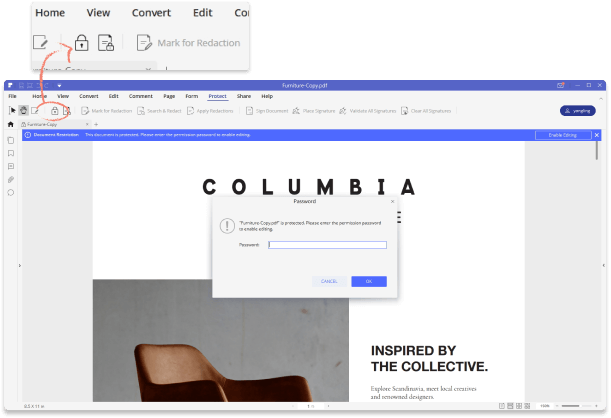
How to Edit Password Protected PDF
- Step 1: Open a password protected PDF file in PDFelement.
- Step 2: Enter the password of this PDF file.
- Step 3: Click the "Edit" button to edit content.
What You'll Get

Easy-to-use PDF Editor
The simplified interface was designed to make it easy for anyone to edit documents.
Secure PDF editing software
The safety of your data is 100% guaranteed thanks to the advanced level of security.

Do more with powerful tools
This PDF editor also supports to add comments to PDFs, convert PDFs, create PDFs, encrypt PDFs and more.
