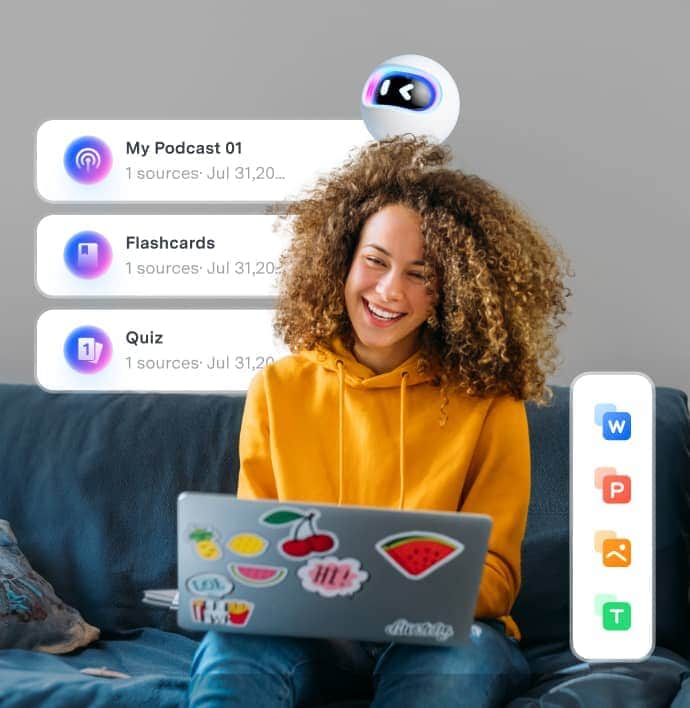


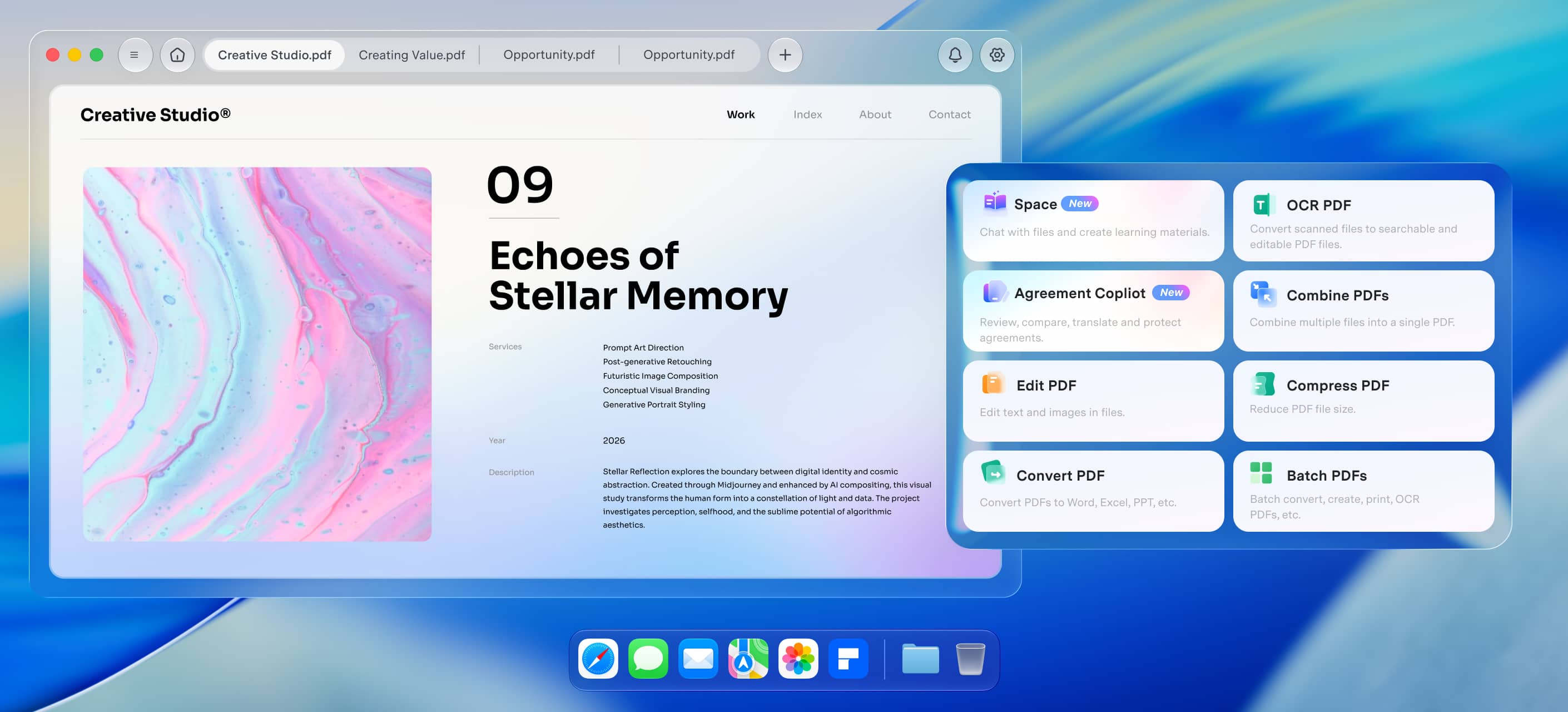
Turn PDFs and other materials into quizzes, flashcards,
and podcasts to master key concepts faster.
Summarize and translate PDFs effortlessly
for smarter learning.
Smart PDF Solutions,
Simplified by AI.
One-Stop PDF solution powered by AI. A fast, affordable, and easy way to edit, convert, sign PDFs, and more – accessible across desktop, mobile, and web platforms.
All the PDF tools you need.
Handle documents smartly with AI.
Build an AI knowledge base from PDFs, Word, Excel, PowerPoint, images, and text, then ask across documents and turn results into structured outputs.
Review contracts with AI to surface key clauses, summarize terms, compare versions, and support drafting and revision in one workflow.
Summarize and translate PDFs, chat with documents, and turn content into notes, cards, quizzes, podcast-style summaries, and mind maps.
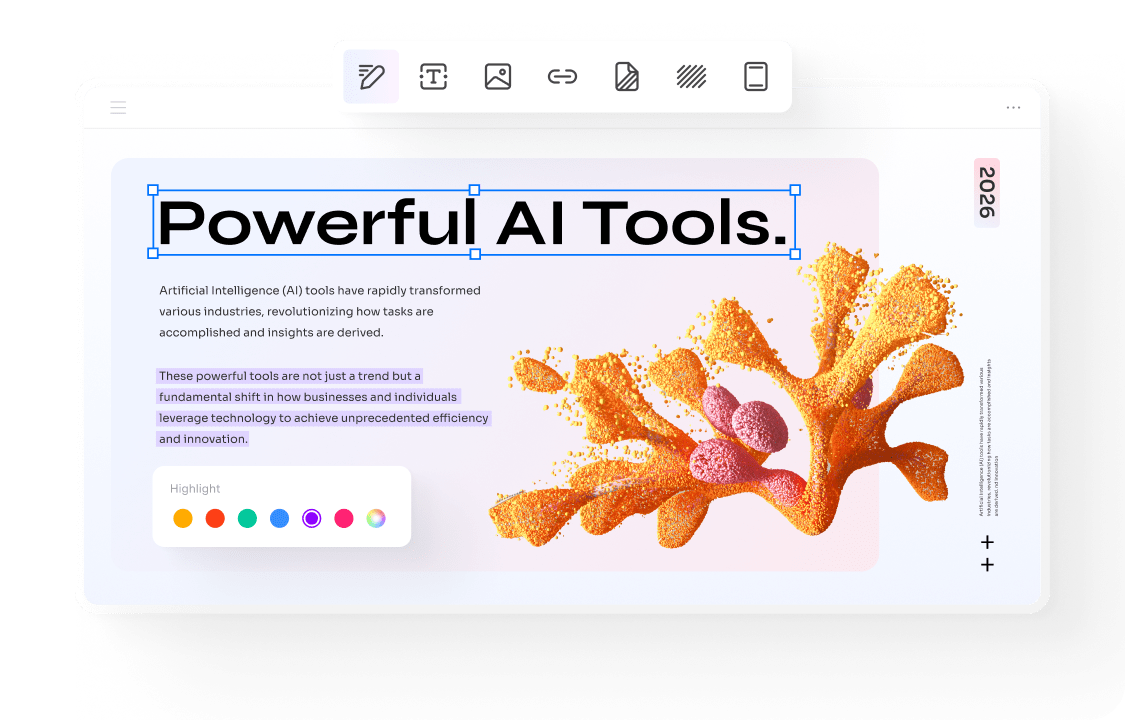
Edit PDF like Word.
Edit text seamlessly – Add or change text,
sizes, colors, and fonts without layout loss.
AI edit PDF images – Add, replace or modify
images in PDFs with smart AI tools in one click.
Customize your PDFs – Insert links,
watermarks, shapes, audio and videos, bates numbers and more easily.
Convert files to and from PDF format in high quality.
Convert PDFs to Word, Excel, PNG, JPG,
etc., and vice versa.
Batch convert multiple files at once to
streamline your tasks.
Convert PDF files without altering formatting,
ensuring high-quality results.
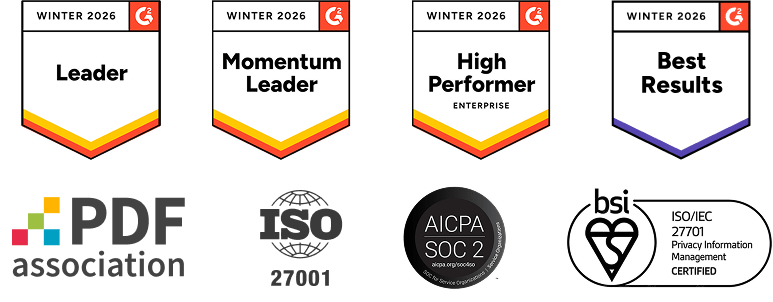
Recognize text in PDFs with OCR.
Recognize text from scanned PDFs and images.
OCR PDFs to Word and editable/searchable PDFs
in 26 languages, including right‑to‑left scripts.
Batch OCR PDFs/scanned images into
text within seconds
E-Sign PDF documents with certificate-based signatures.
Sign single or multiple PDFs on the go, and sync signatures on any device with PDFelement Cloud.
Create e-signable PDFs and send them in bulk to recipients for convenient signing across devices.
Track and manage the latest status of every signed document in real-time on any device.
Reduce PDF size without losing quality.
Reduce PDF file size quickly without quality loss for easier sharing, uploading, and storage.
Compress large PDF files in batches by adding
single files or folders and applying the right compression level.
Adjust image DPI and content settings to optimize PDF elements and reduce file size more flexibly.
Organize, merge, and compare PDFs
with ease.
Crop margins, resize pages, and remove blank pages with single or bulk actions for cleaner PDFs.
Split, merge, reorder, rotate, insert, extract, and replace pages to organize files more efficiently.
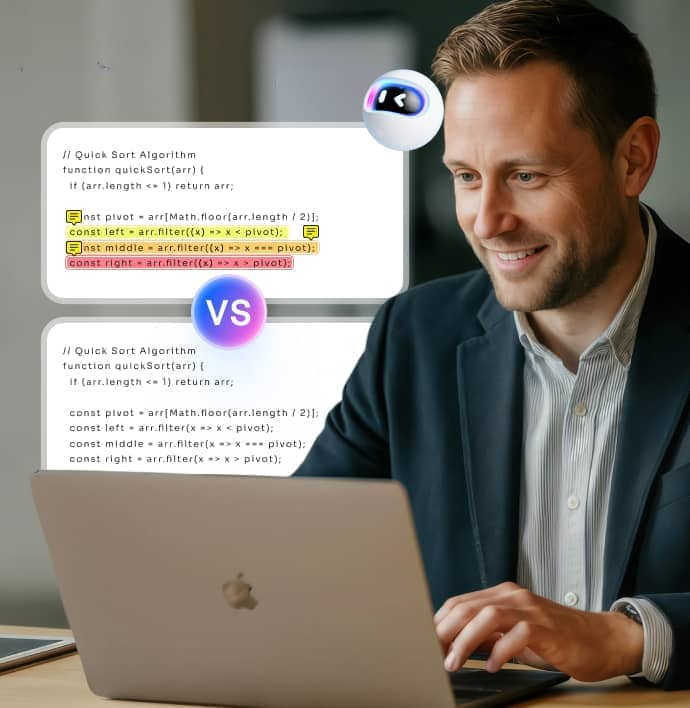
Compare PDF versions to review changes faster and manage updates with more confidence.
Read PDFs seamlessly with AI.
Use AI read PDF for instant explaining, summaries, translations, auto-bookmarks and more, also a immersed reading experience.
Read aloud your PDFs with the desired settings, helping you multitask on the go.
Read PDFs while adding markups with annotation tools like highlights, underlines, notes, and text comments.
Create, fill, and manage PDF forms efficiently.
Smart form recognition & filling – Detect fields and auto‑fill them by importing data for faster entry.
Create fillable PDFs – Easily add text boxes, checkboxes, dropdowns, signatures, and image fields.
Extract datas from PDF (in bulk)– Recognize and extract data from single or multiple PDF forms at once.
Protect your PDFs and sensitive information.
Encrypt PDFs securely – Add password to PDF from been viewing, printing or editing.
Smart PDF redaction – Auto‑detect sensitive data to redact instantly in PDFs, or redact selected areas and bulk‑searched text easily to ensure privacy compliance.
Sign & watermark PDFs – Add signatures and watermarks for authenticity and branding easily.
Beautiful on Mac. Powerful at Work.
Experience PDFelement's refreshed Liquid Glass design for macOS 27, with customizable transparency and powerful PDF tools for your everyday work.
Ready for macOS 27
AI PDF
AI for PDFs and documents, smart in every way.
Read faster, understand more, and handle documents smarter with AI.
Turn PDFs and documents into an AI knowledge base, review contracts with key clause insights, and speed up reading, summarizing, translation, and document Q&A.
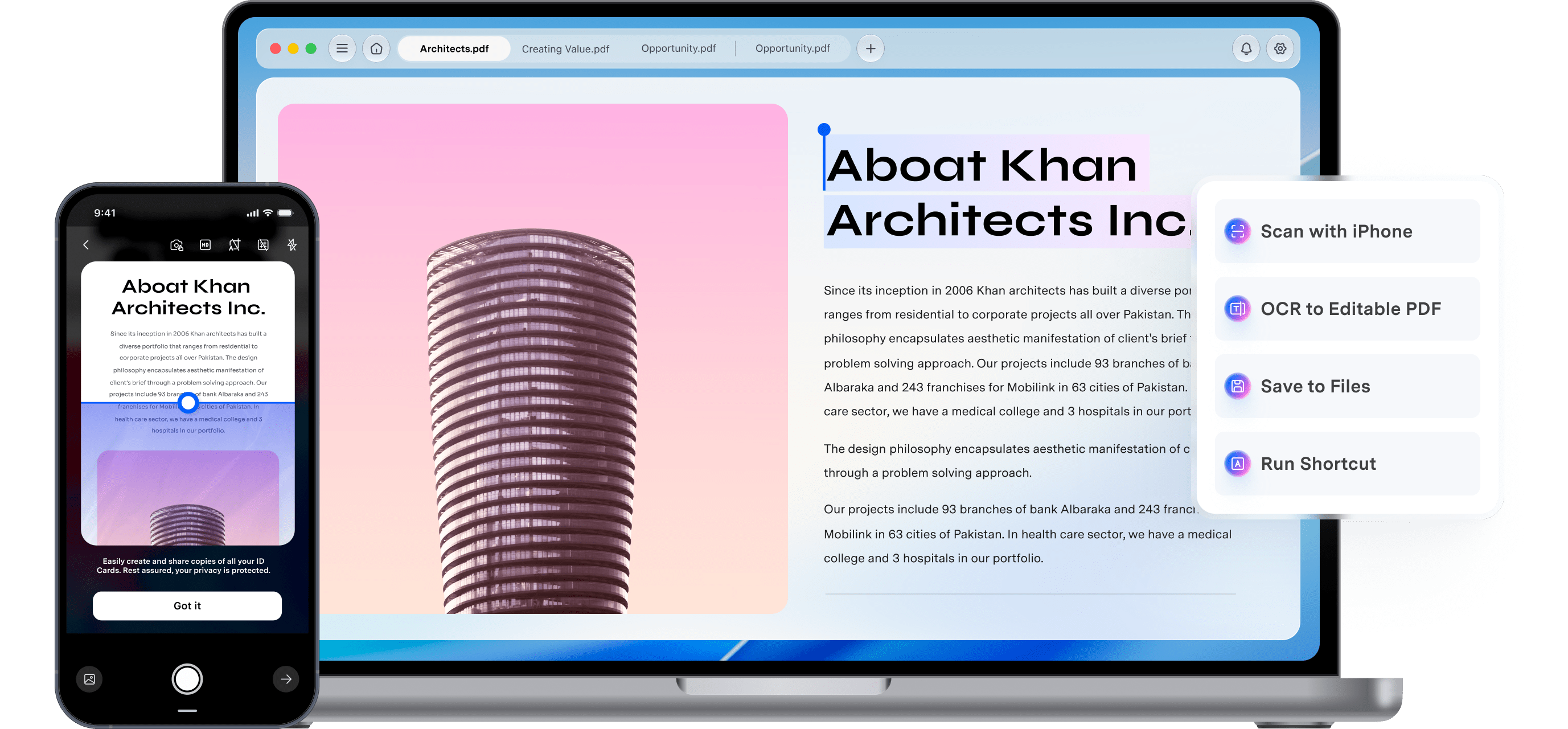
Scan on iPhone. Finish on Mac.
Scan with Continuity Camera, turn documents into editable PDFs with OCR, and pick up where you left off with Handoff. Automate repetitive tasks with Shortcuts.
We strive to deliver smarter, easier, and more professional PDF solutions for you.
Affordable
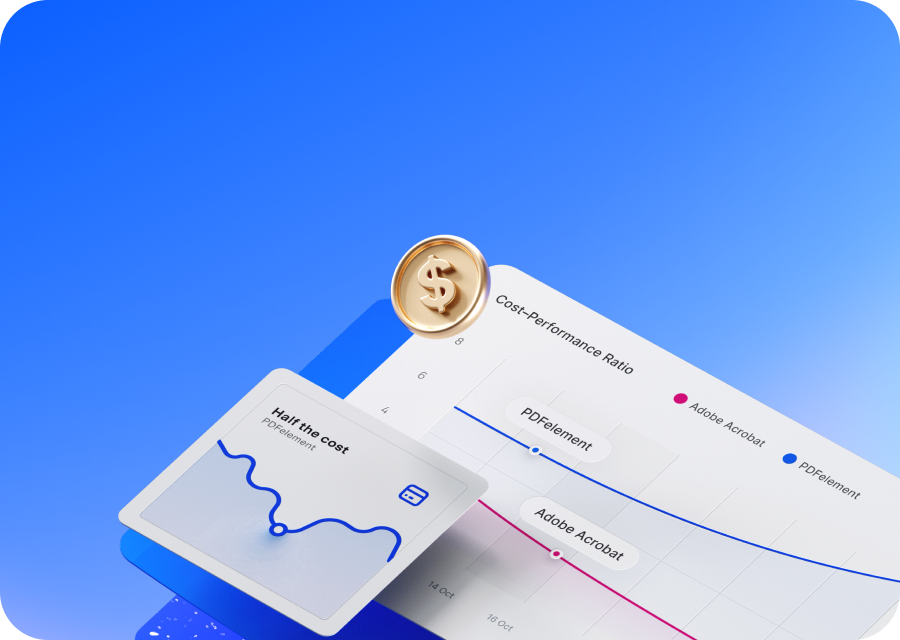
Half the cost
compared to
Adobe Acrobat.
Professional and customized
A complete PDF solution for converting,
compressing, OCR, and batch tasks. Offers
easy‑to‑use basics plus advanced PDF editing
and custom workflows for professionals.
AI-Powered
Enhance your PDF workflow with advanced AI and upgraded core tech—faster, smarter, and better for summarizing, translating, reading, editing, converting and more.
Affordable
Half the cost compared to
Adobe Acrobat.
Professional and customized
A complete PDF solution for converting,
compressing, OCR, and batch tasks. Offers
easy‑to‑use basics plus advanced PDF editing
and custom workflows for professionals.
AI-Powered
Enhance your PDF workflow with advanced AI
and upgraded core tech—faster, smarter, and
better for summarizing, translating, reading,
editing, converting and more.
The best software if you need to work with PDF
"PDFelement has all of the same superb features and functions that the competition offers – and in some cases, ever more – while also running smoother and costing less. For this reason, it’s arguably the best software you can get if you need to work with PDFs."
Powerful, full-featured PDF editor
"Wondershare’s PDFelement is a full-featured PDF editor equipped with an OCR feature to recognize scanned text, along with a comprehensive array of standard tools. PDFelement effortlessly handles all types of files, from scanned documents to sizable files and image-rich PDFs, without any issues in opening them."
Feature-rich PDF reader for your macOS device
"If you want a feature-rich PDF reader for your macOS device, PDFelement is your prime choice. This application encompasses a range of robust features, including text editing, image integration, hyperlink incorporation, OCR technology, text highlighting, and a user-friendly interface."
Customize Your Way
An
easy PDF editing
solution for all needs.
Speed up every stage of your PDF workflows on
desktop, mobile, and
web.
PDF Editor for Academic
Turn PDFs and other materials into quizzes, flashcards, and podcasts to master key concepts faster. Summarize and translate PDFs effortlessly for smarter learning.
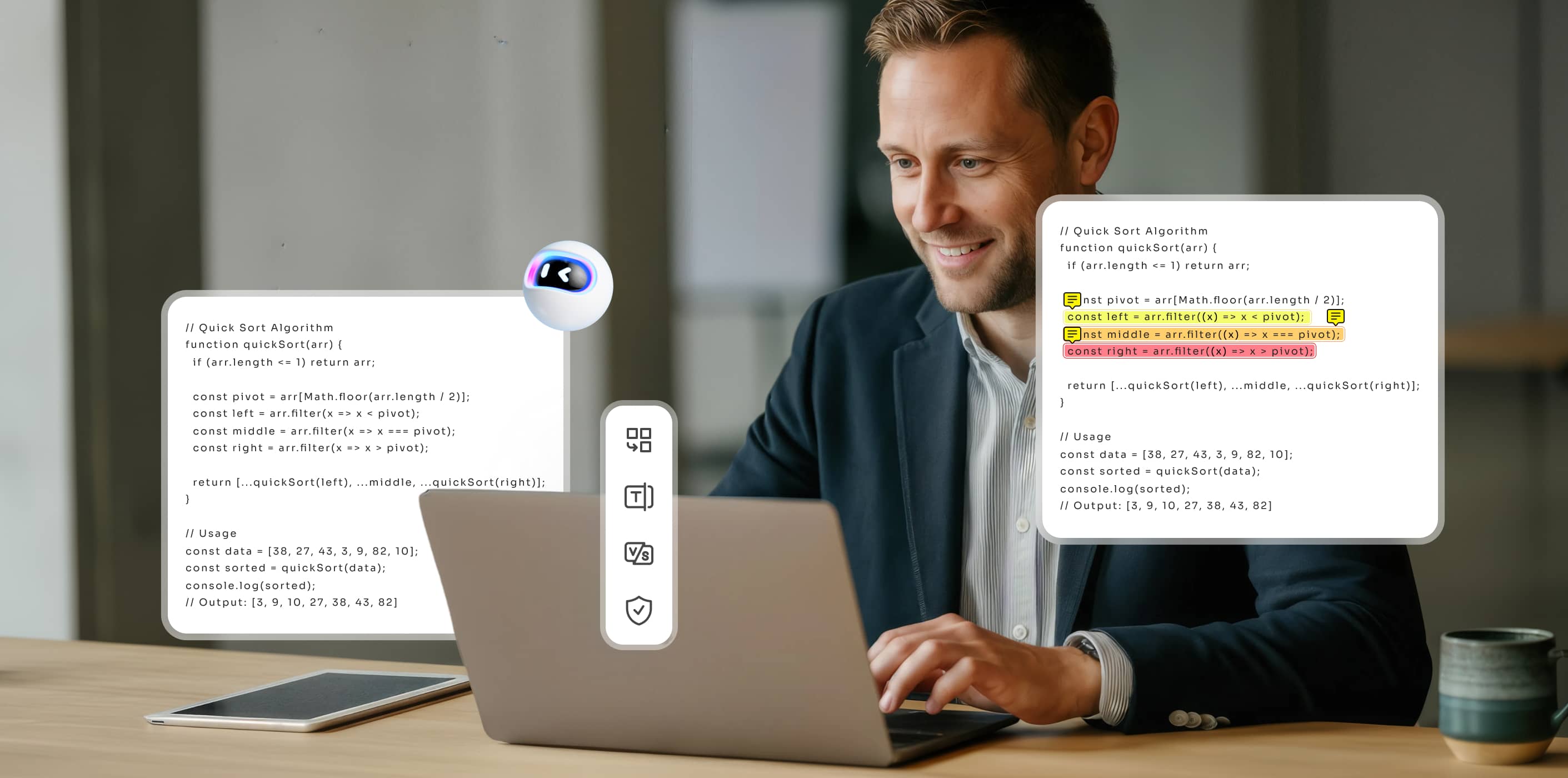
Manage specs, deployment guides, contracts,
and support files with less manual work.
Compare revisions, OCR scans, edit PDFs,
and keep documents accurate and secure.
PDF Editor for IT
Manage specs, deployment guides, contracts, and support files with less manual work. Compare revisions, OCR scans, edit PDFs, and keep documents accurate and secure.
Your file security matters.
Smart Redact sensitive content, or
set a password, to secure legal
docs for your clients.
PDF Editor for Legal
Your file security matters. Smart Redact sensitive content, or set a password, to secure legal docs for your clients.
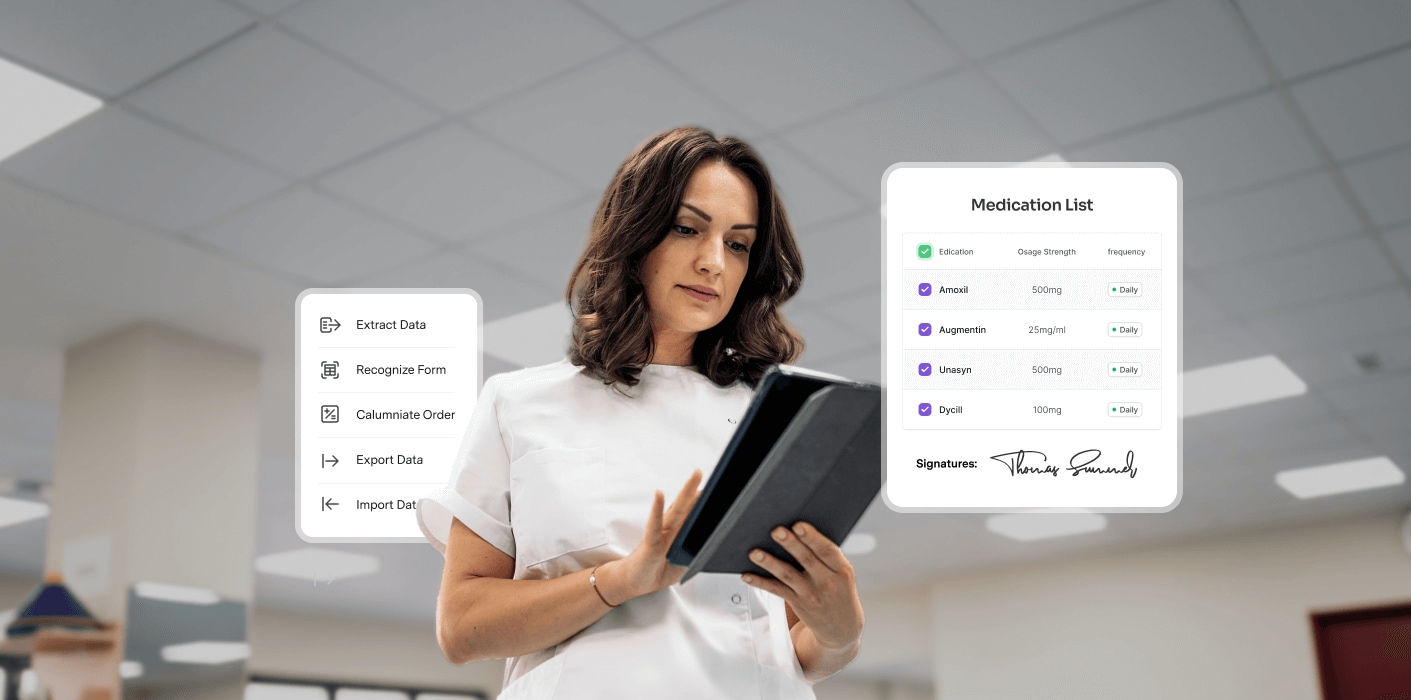
Want to cope better with busy
schedule? Create your own
digital
workflow via PDF medical forms,
reports, and more.
PDF Editor for Healthcare
Want to cope better with busy schedule? Create your own digital workflow via PDF medical forms, reports, and more.
Use digital signatures,
make the doc authenticated
safer,
close your contracts faster.
PDF Editor for Finance
Use digital signatures, make the doc authenticated safer, close your contracts faster.
Money-saving, compliant, and
full-featured. Get a
one-stop
PDF solution for the government
with less
budget.
PDF Solution for Government
Money-saving, compliant, and full-featured. Get an one-stop PDF solution for the government with less budget.
Edit, measure, annotate, and sign blueprints or
agreements,
streamlining collaboration from the
office to the job site.
PDF Editor for Construction
Edit, measure, annotate, and sign blueprints or agreements, streamlining collaboration from the office to the job site.
Solve all PDF problems for you.
Convert, edit, organize, you
name it.
Double your productivity
for more work as a
freelancer.
PDF Editor for Freelancer
Solve all PDF problems for you.Convert, edit, organize, you name it.Double your productivity for more work as a freelancer.
Plan & Prices for Personal, Team.
Work and study
smarter, easier, faster with
Wondershare PDFelement.
Digitize paper files on Windows/Mac - Create, edit, print, read, and eSign PDF documents.
Perpetual Plan - 1 User
Team
Easily
provision, track, and manage PDF
solution
licenses across your groups
with Team Plan.
Perpetual Plan - 1 User
Multi-Platform & Affordable
A smart PDF solution
across
all devices.
Solve your PDF problem anywhere - Windows, Mac, iOS, Android, Web,
and Cloud. Streamline your daily workflow and get more things done.
Windows
Edit text or images, annotate PDF, merge/split/organize pages, convert files to and from PDF, compress PDF on Windows computer.
Mac
Edit, convert, annotate, OCR, sign, protect, read, and more to supercharge your PDF workflow on macOS.
PDFelement Cloud
Store, share, and access PDF
files from anywhere with
built-
in PDFelement Cloud.
Smart PDF Solution,
Simplified by AI.
Fast, easy, and affordable PDF editor. Convert, edit, sign PDFs, and more.